How to View All Pokemon Cards With a Specific Rarity
Trading Card Dex lets you filter and view Pokemon cards ordered by rarity. Whether you are looking for common cards, rare holos, ultra rares, or any other rarity level, the database makes it easy to organize and browse the Pokemon card collection by rarity.
Step 1
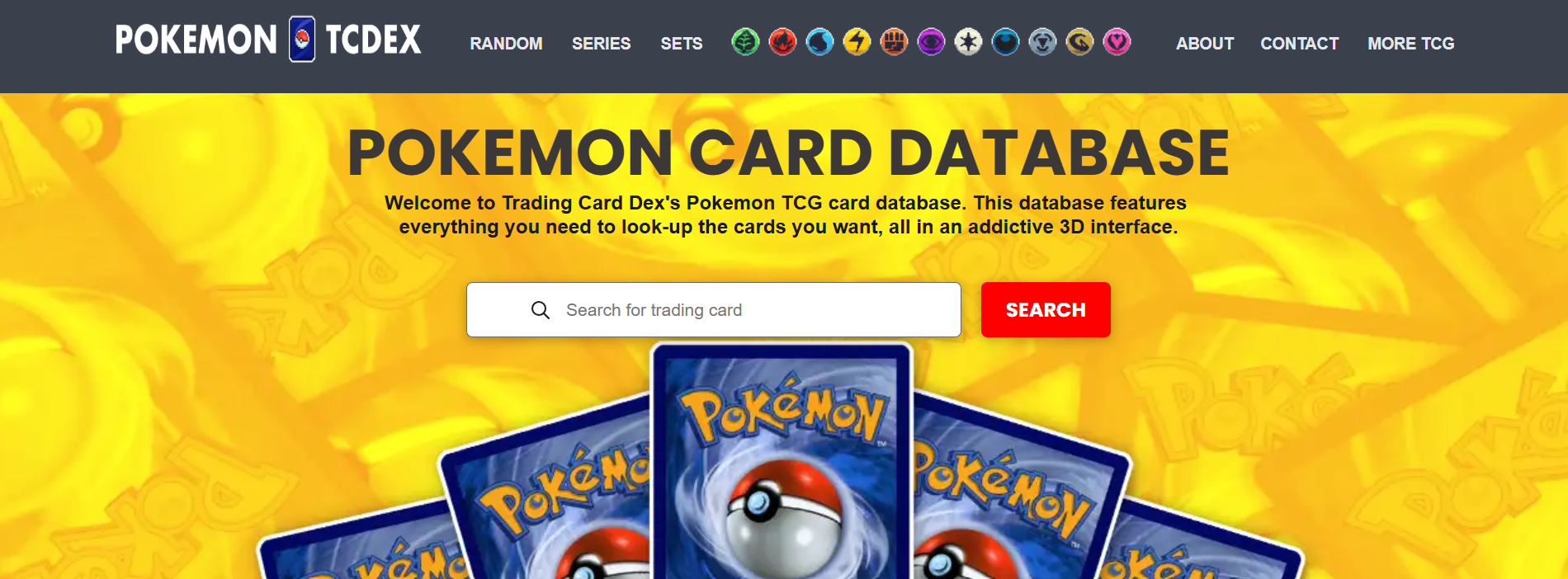
STEP 1: Go to the Database Navigate to pokemon.tradingcarddex.com/database in your browser. This is the main Pokemon card database where all search and filter options are available.
Step 2
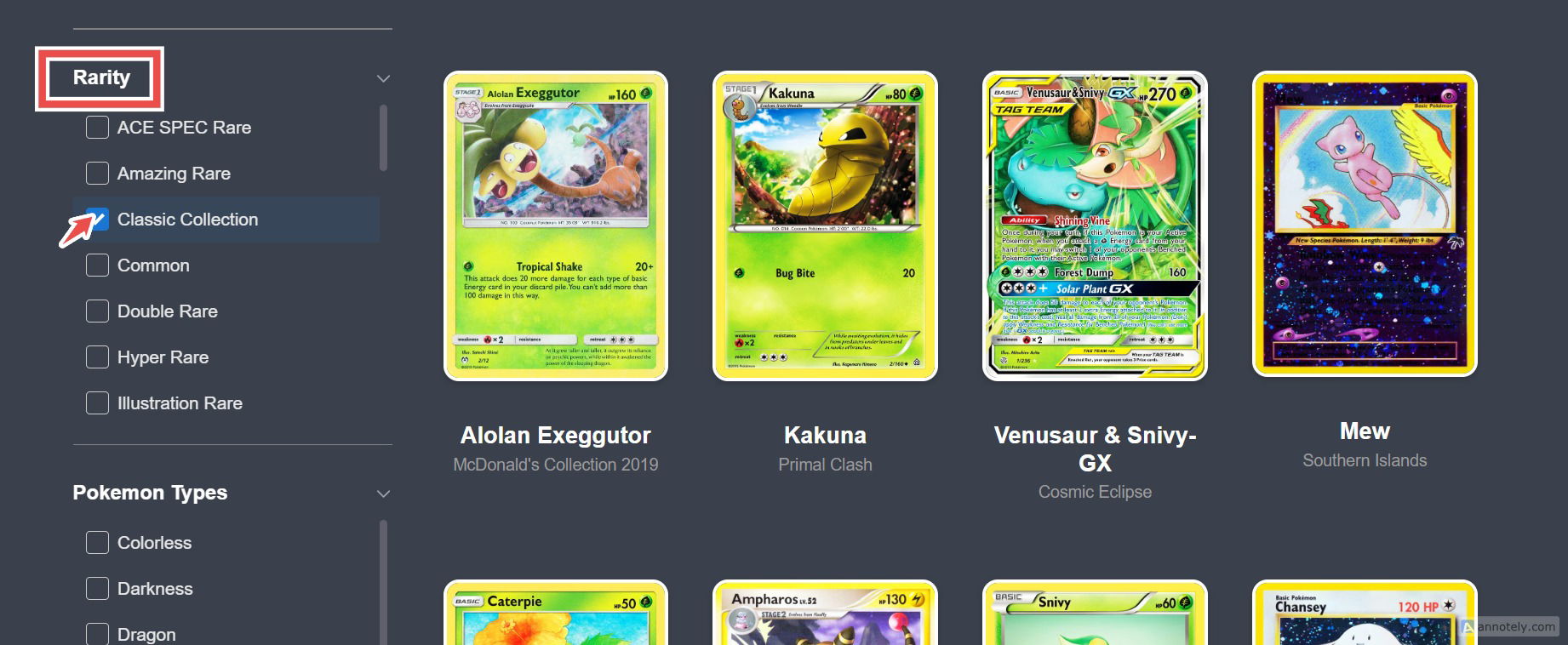
STEP 2: Select the Rarity You Want On the left side of the page, find the rarity filter. Browse the available rarity levels and select the one you want to view. All rarity types used in the Pokemon TCG are listed here.
Step 3
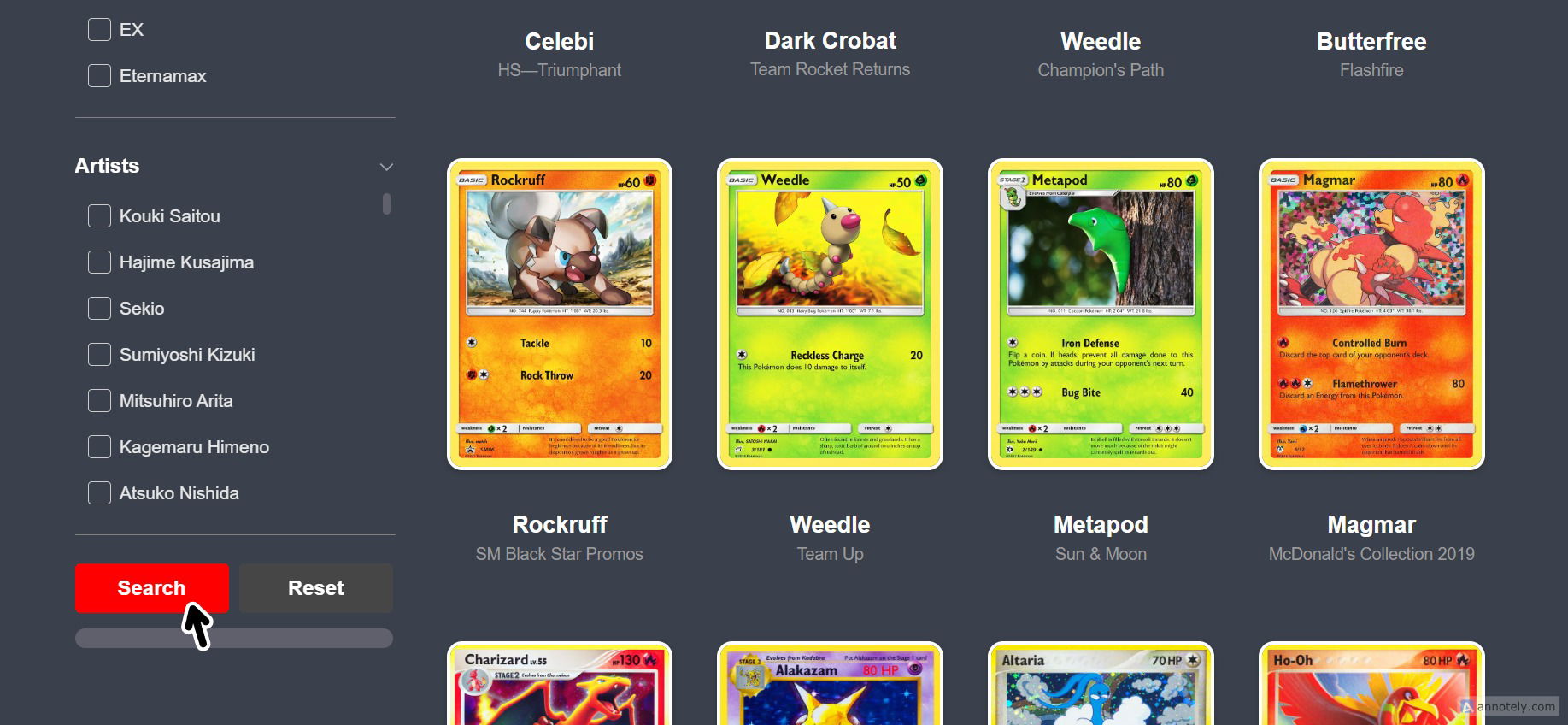
STEP 3: Press Search Click the Search button. Every Pokemon card matching the selected rarity will be displayed, letting you arrange and browse the full Pokemon database by rarity.
Combine the rarity filter with a set filter to see all cards of a specific rarity within a particular expansion. - This is useful for collectors tracking how many rare or ultra rare cards they still need from a set. - You can also combine rarity with energy type or evolution stage filters for even more specific results. - Use this filter to get a sense of how many cards exist at each rarity level across the entire Pokemon TCG.