How to View All Pokemon Cards From a Set
Trading Card Dex lets you pull up a complete Pokemon card set list for any expansion in the TCG. Whether you want to browse every card in a specific set, check which cards you are missing, or view a full set checklist, the database makes it simple.
Step 1
STEP 1: Go to the Database Navigate to pokemon.tradingcarddex.com/database in your browser. This is the main Pokemon card database where all search filters are available.
Step 2
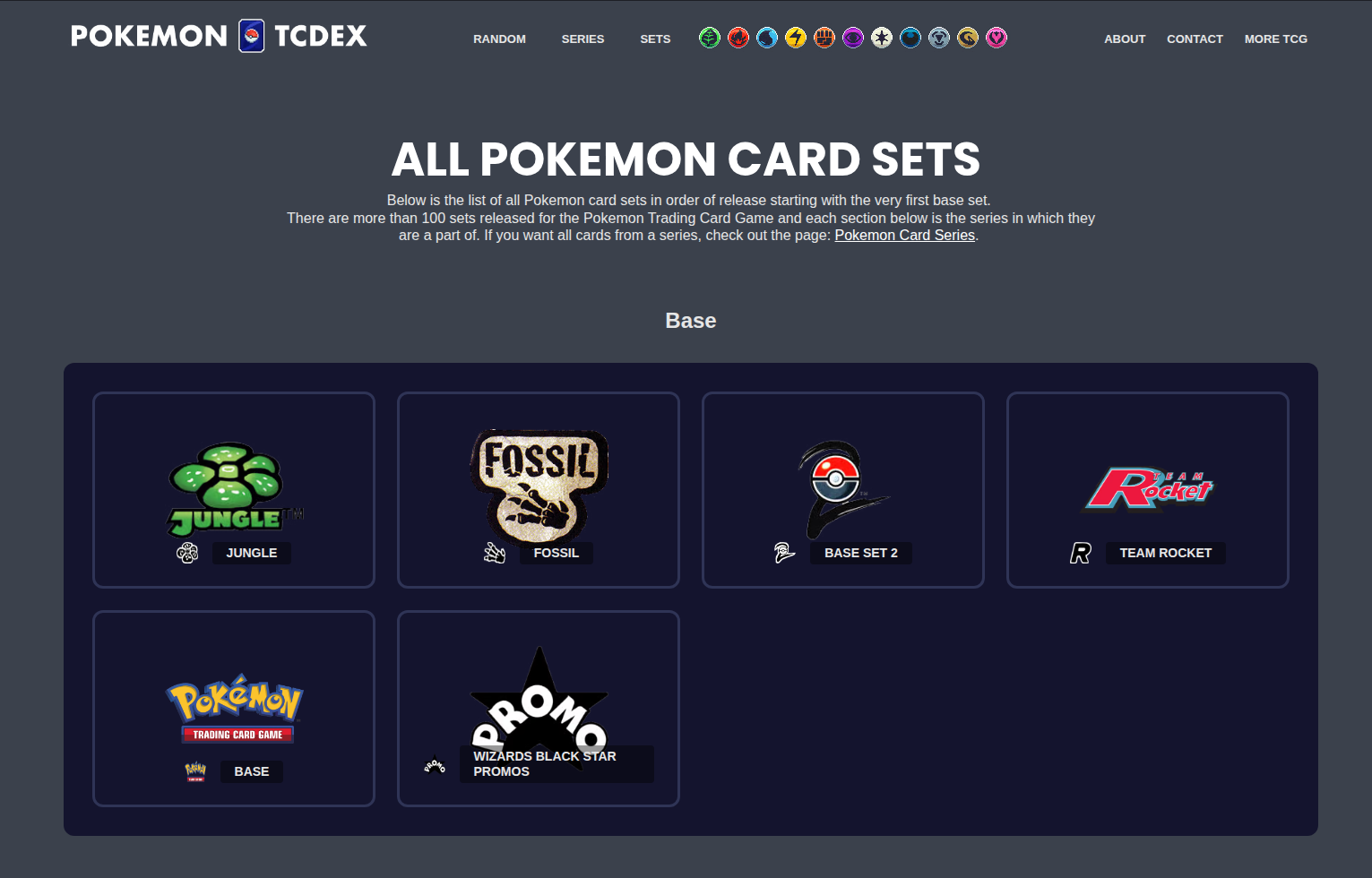
STEP 2: Select a Set On the left side of the page, find the set filter and select the Pokemon expansion you want to view. Every set from the earliest releases to the newest booster pack expansions is listed.

Step 3
STEP 3: Press Search Click the Search button. Every card from that expansion will be displayed, giving you the complete Pokemon expansion card list for that set.
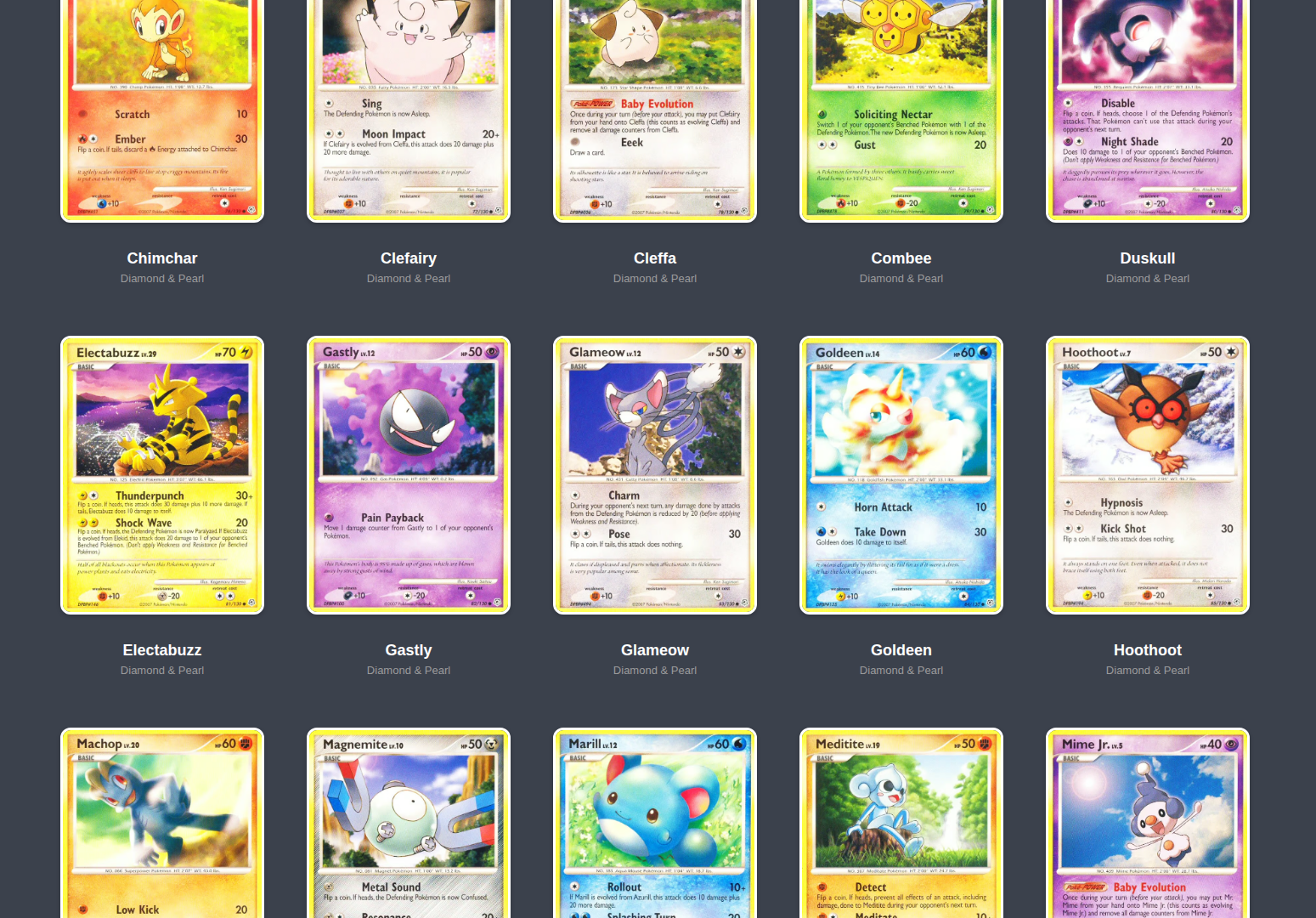
Combine the set filter with other filters like energy type or rarity to narrow results within a set. This is a great way to see all the cards available in a specific booster pack release. - Bookmark a filtered search to quickly return to a set list later. The database covers every set ever released, including older and out-of-print expansions.