How to View All Pokemon Cards by Evolution Stage
Trading Card Dex lets you search Pokemon cards by evolution stage, making it easy to filter for all Basic Pokemon, Stage 1, Stage 2, VMAX, EX, GX, V, or Mega Evolution cards. This is useful for deck building, collecting, or simply browsing cards at a specific evolution stage.
Step 1
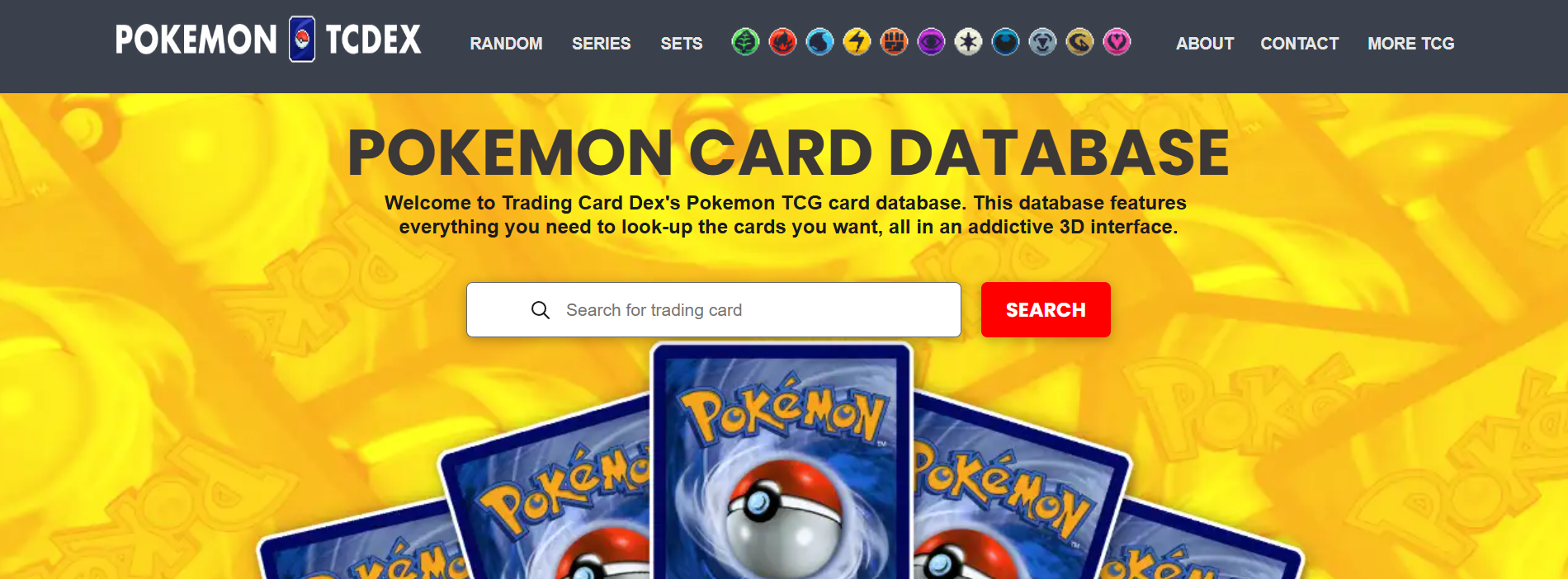
STEP 1: Go to the Database Navigate to pokemon.tradingcarddex.com/database in your browser. This is the main Pokemon card database where all filter options are available.
Step 2
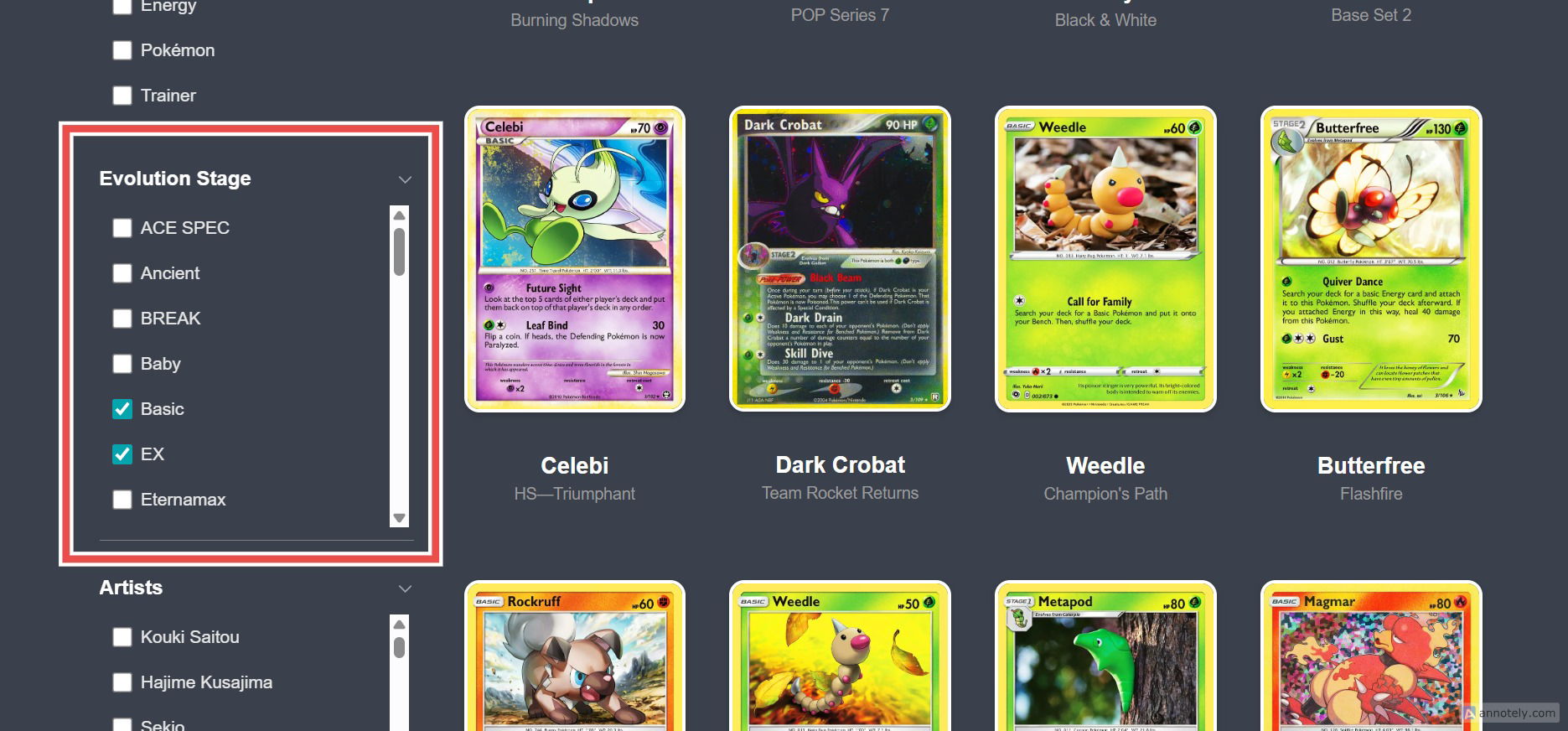
STEP 2: Select the Evolution Stage You Want On the left side of the page, locate the evolution stage filter. You will see options for every stage in the Pokemon TCG, including Basic, Stage 1, Stage 2, and special types like VMAX, EX, GX, V, and Mega Evolution. Select the stage you want to filter by.
Step 3
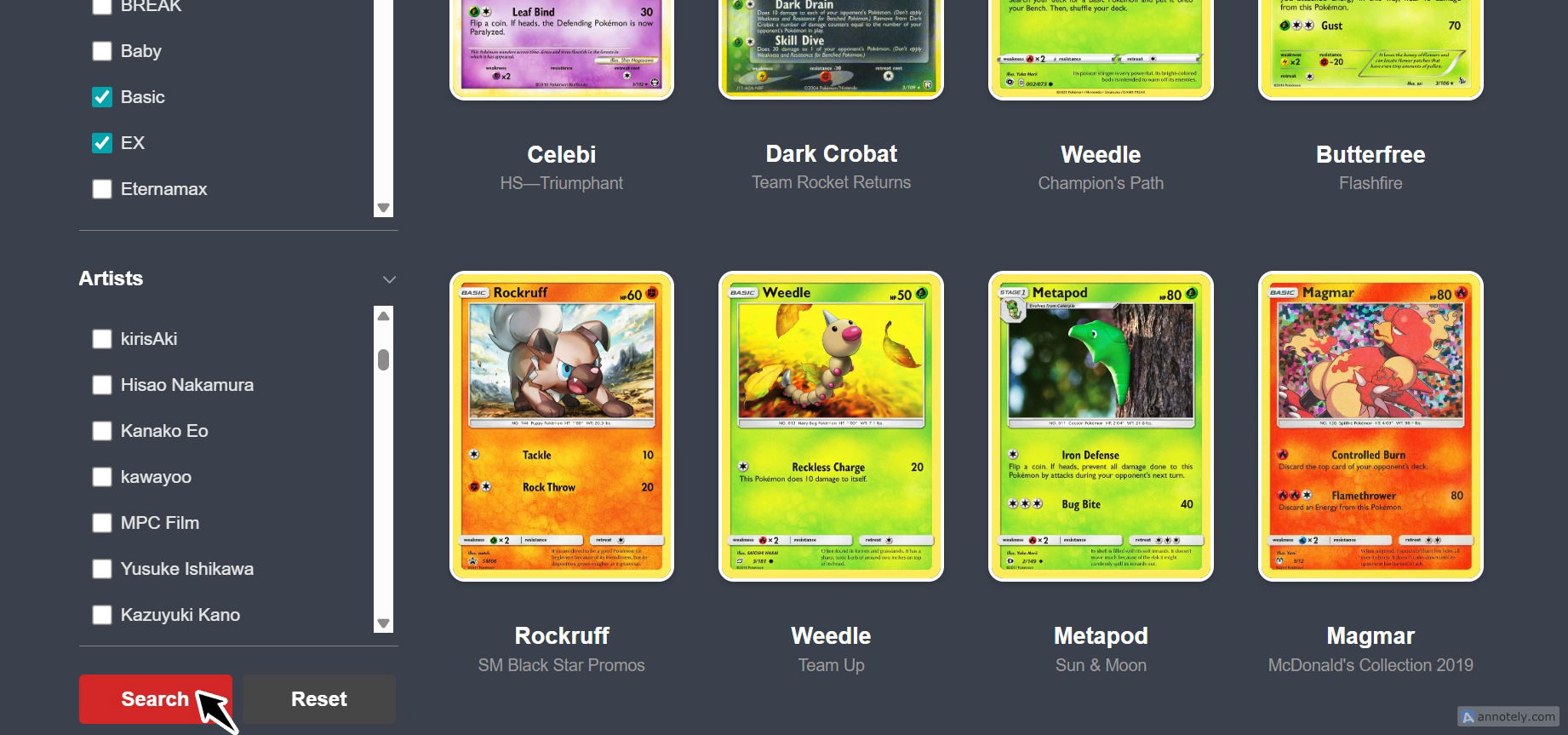
STEP 3: Press Search Click the Search button. Every Pokemon card that belongs to the selected evolution stage will be displayed in the results.
Combine the evolution stage filter with energy type or set filters to create very targeted searches. For example, you could find all Stage 2 Water type Pokemon from a specific set. - Deck builders can use this to make sure they have the right balance of Basic Pokemon and evolved forms. - Use this filter to explore special card types like GX, EX, V, and VMAX, which often feature powerful abilities and higher HP. - The filter updates as new card types are introduced to the Pokemon TCG.