How to See All Pokemon Cards From a Specific Series
In the Pokemon TCG, cards are organized into series, and each series contains multiple sets. Trading Card Dex lets you search Pokemon cards by series so you can browse all the set groupings within a series and see the full series order of the Pokemon TCG.
Step 1
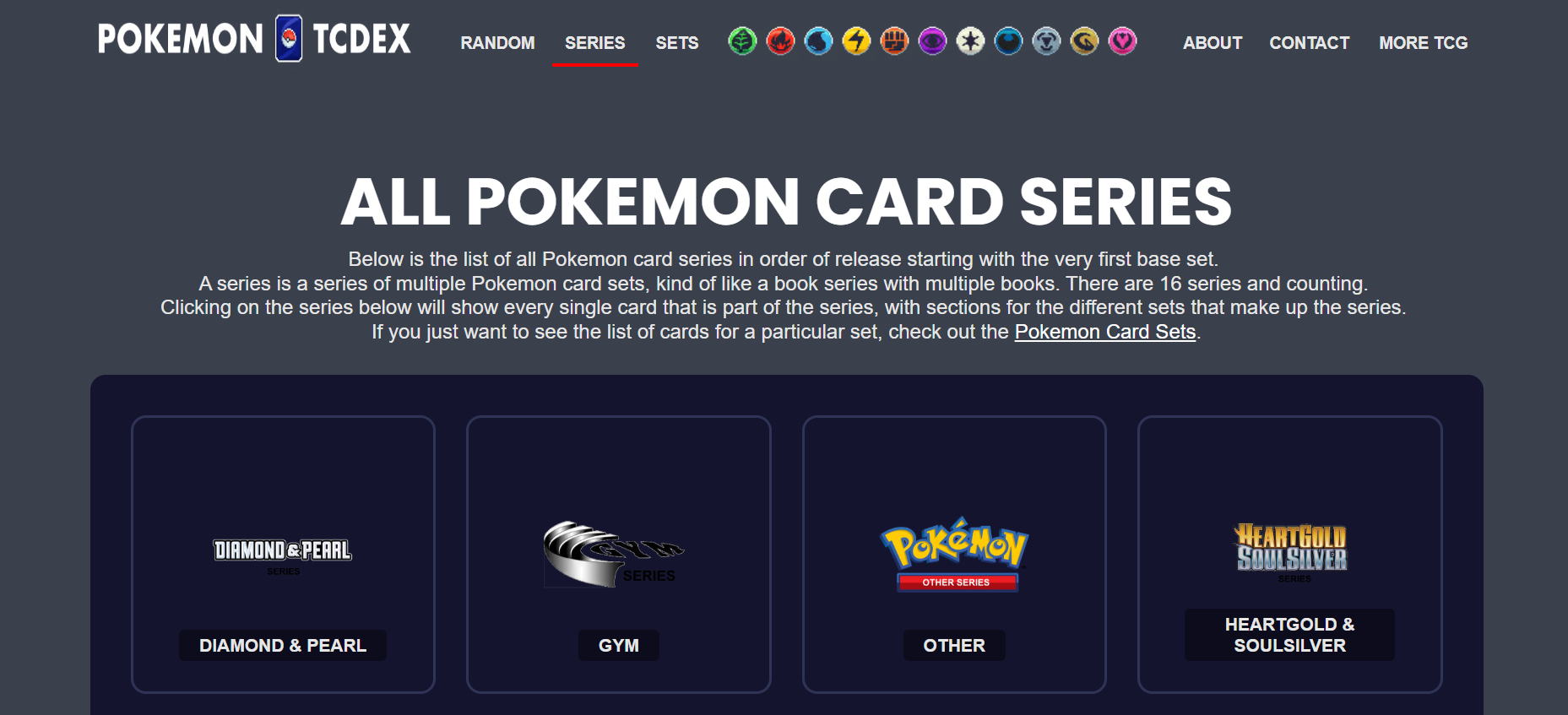
STEP 1: Go to the Series Page Navigate to pokemon.tradingcarddex.com/series in your browser. This page lists every Pokemon TCG card series in chronological order.
Step 2
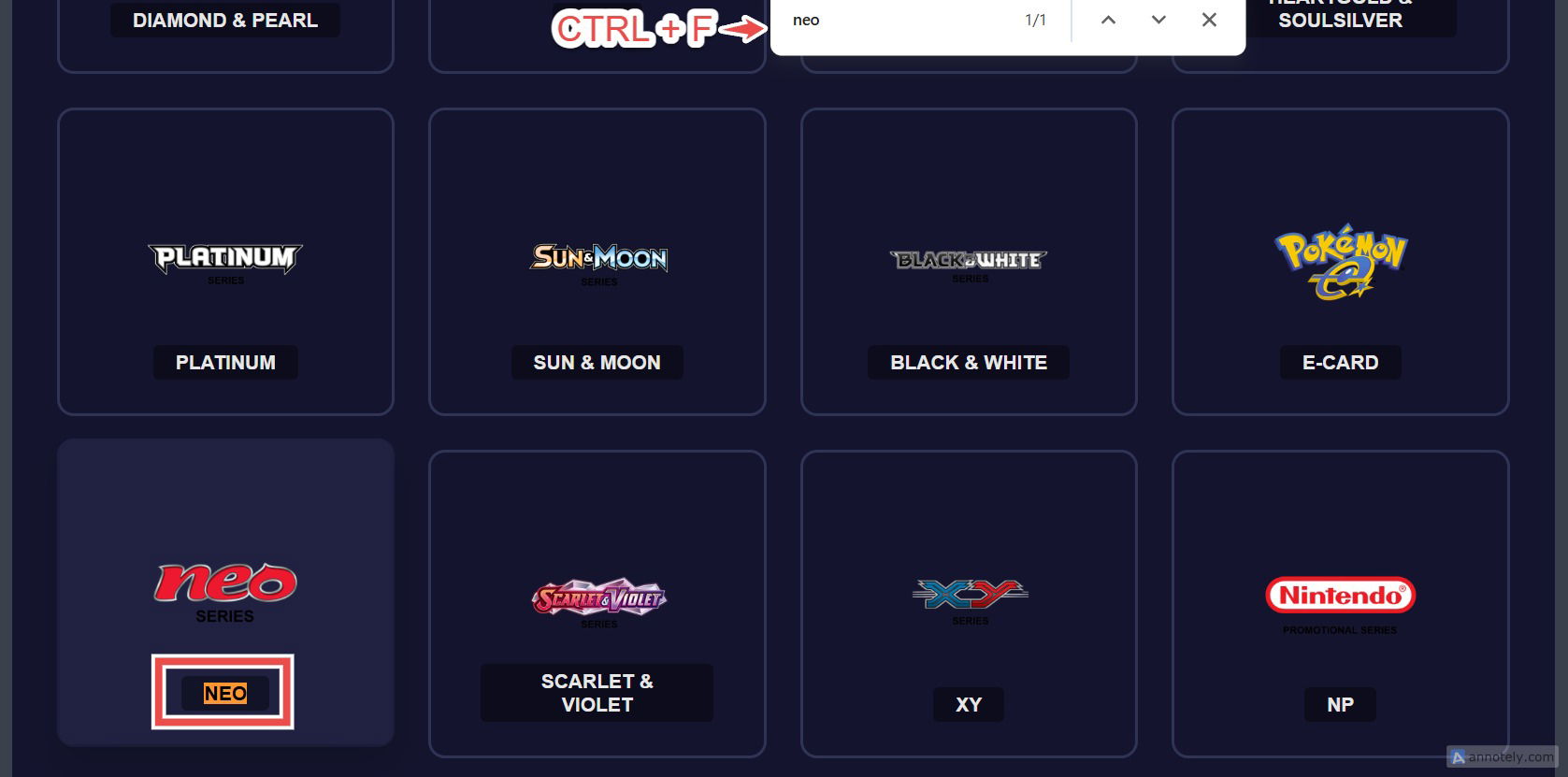
STEP 2: Locate the Series You Want Browse the page to find the series you are interested in. If you know the series name, press CTRL+F on Windows or Command+F on Mac to search for it directly on the page.
Step 3
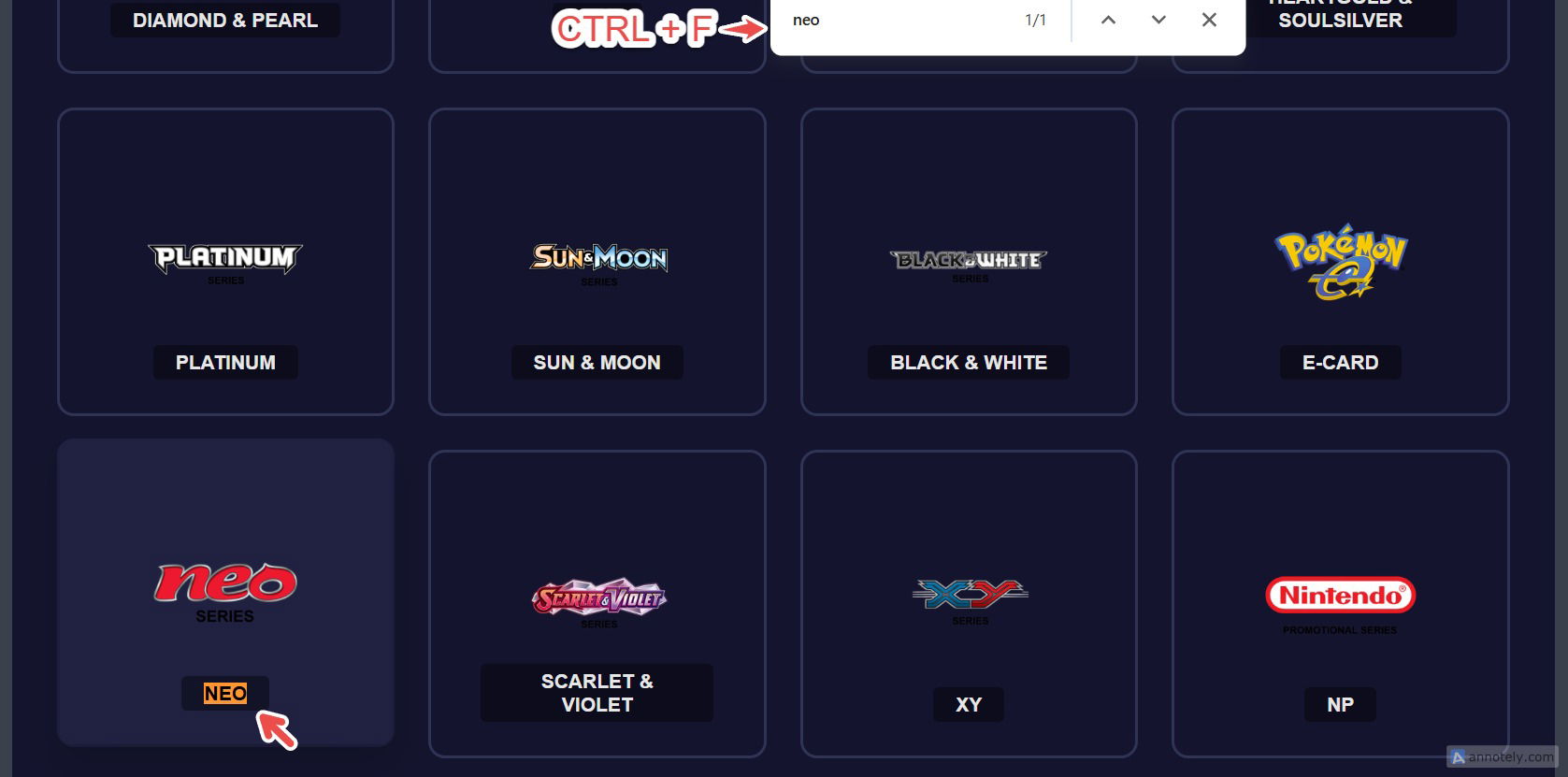
STEP 3: Click on Any Series to View the Full Card List Click on the series you want to explore. You will see every set within that series along with all the cards they contain, giving you a complete view of all cards from that Pokemon series.
This is the best way to figure out which series a specific set belongs to. - Use the browser search (CTRL+F or Command+F) to quickly jump to a series or set name without scrolling. - The series page is a great starting point for exploring older eras of the Pokemon TCG that you may not be familiar with. - Each series groups together sets that were released during the same era or generation of the game.