How to Look Up a Pokemon Card by Name
The Trading Card Dex Pokemon card database lets you search for any card by name. Use it as a quick Pokemon card finder to look up a specific card, see its details, and find every version of it across different sets.
Step 1
STEP 1: Go to the Database Navigate to pokemon.tradingcarddex.com/database in your browser. This is the main search page for the Pokemon card database.

Step 2
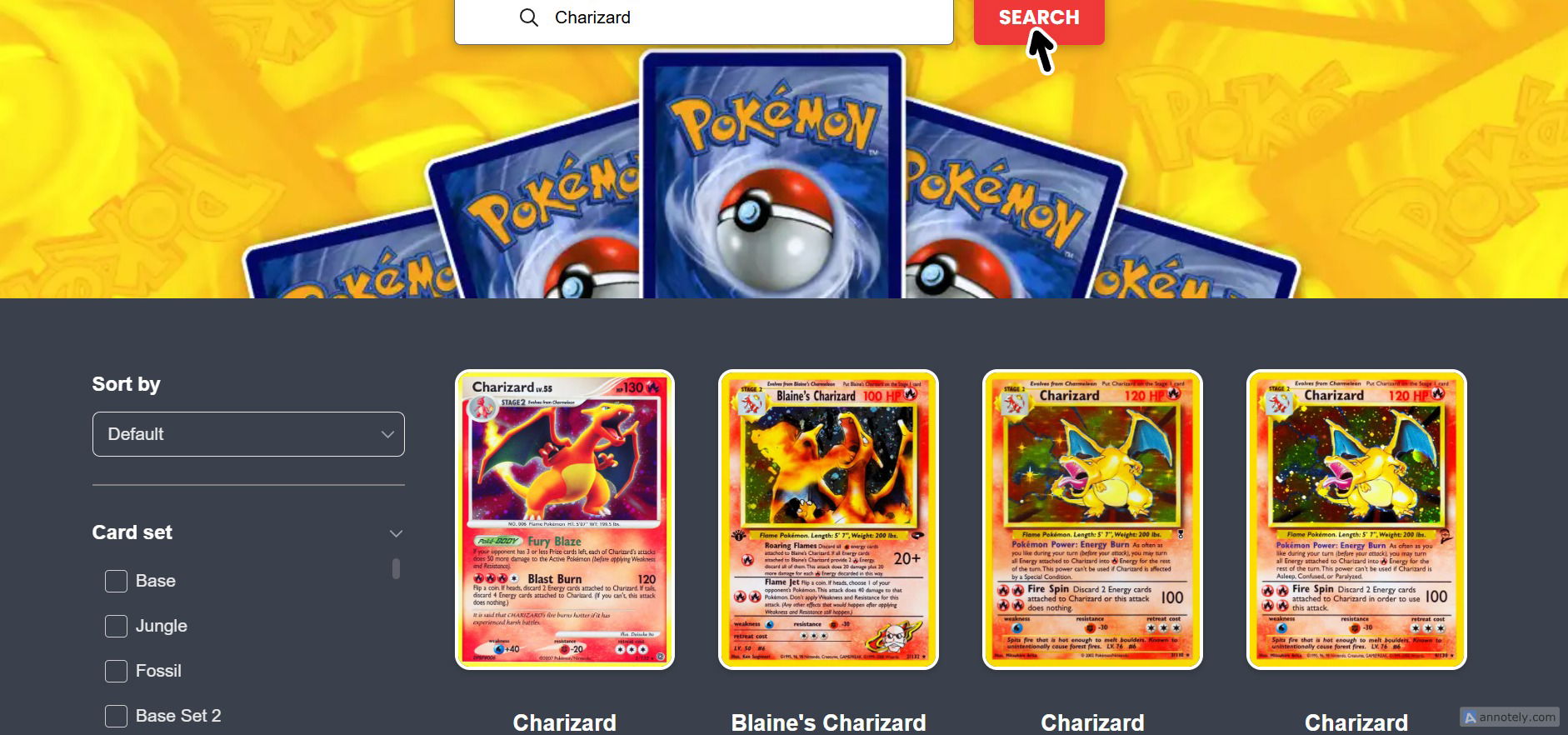
STEP 2: Enter the Card Name In the search bar, type the name of the card you want to find. You can enter a full name like “Charizard” or partial text like “Char” to find all matching results.

Step 3
STEP 3: Press Search Click the Search button. All cards matching your search will appear, including every version printed across different sets and expansions.
Searching a Pokemon name like “Pikachu” will show every Pikachu card ever printed, which is a great way to see a card’s full history. - You can search for Trainer, Supporter, and Energy cards the same way. - Combine the name search with other filters on the left side of the page to narrow down your results. - Partial searches work well when you are unsure of the exact card name.