How to Browse Pokemon Card Series and Find Which Sets Belong to Them
The Pokemon TCG is organized into series, and each series contains multiple sets. Trading Card Dex provides a complete overview of every Pokemon series and the sets found within them, making it easy to understand the series order and see how sets are grouped together.
Step 1
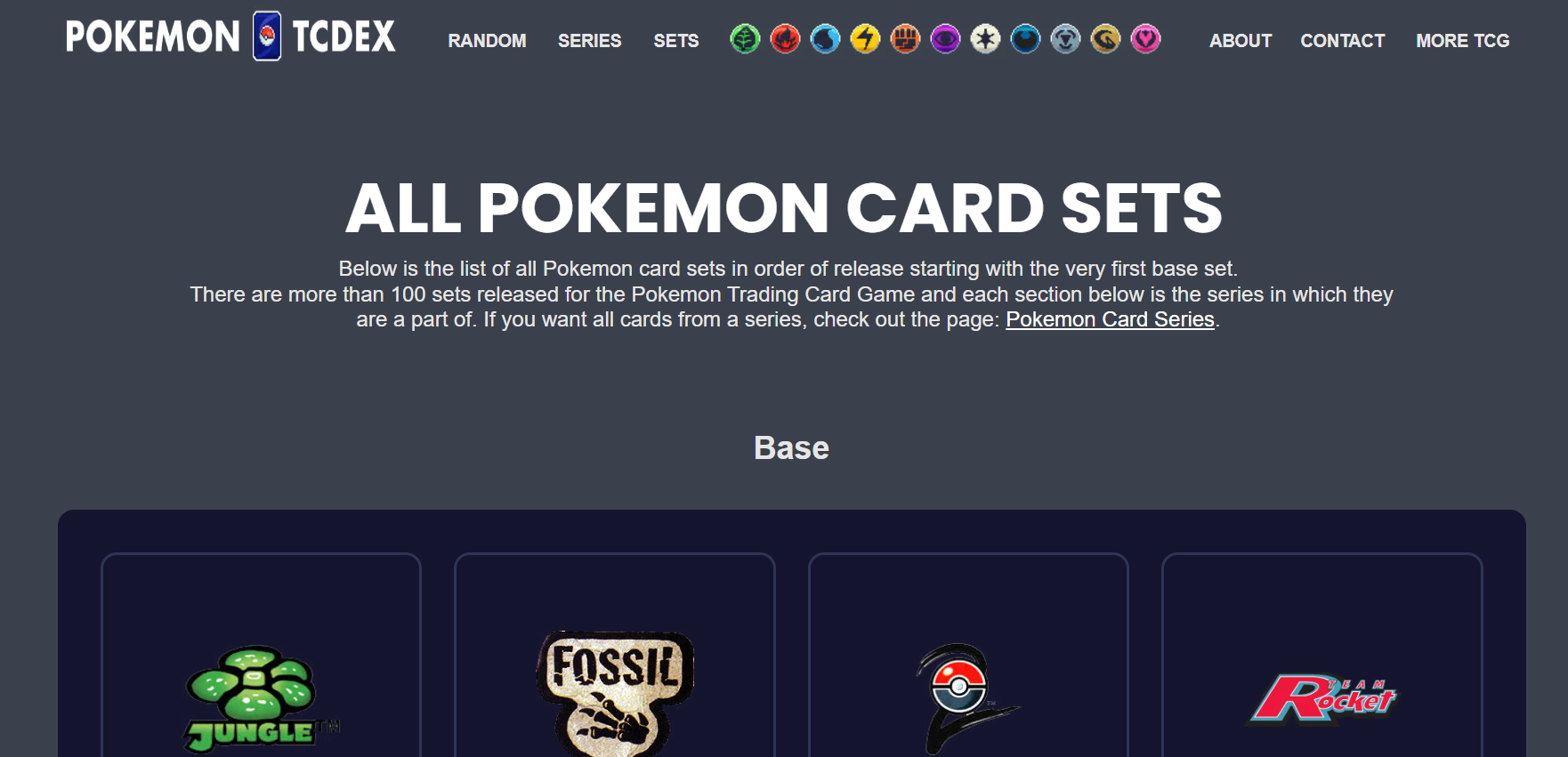
STEP 1: Go to the Series Page Navigate to pokemon.tradingcarddex.com/series in your browser. This page displays every Pokemon TCG series in chronological order.
Step 2
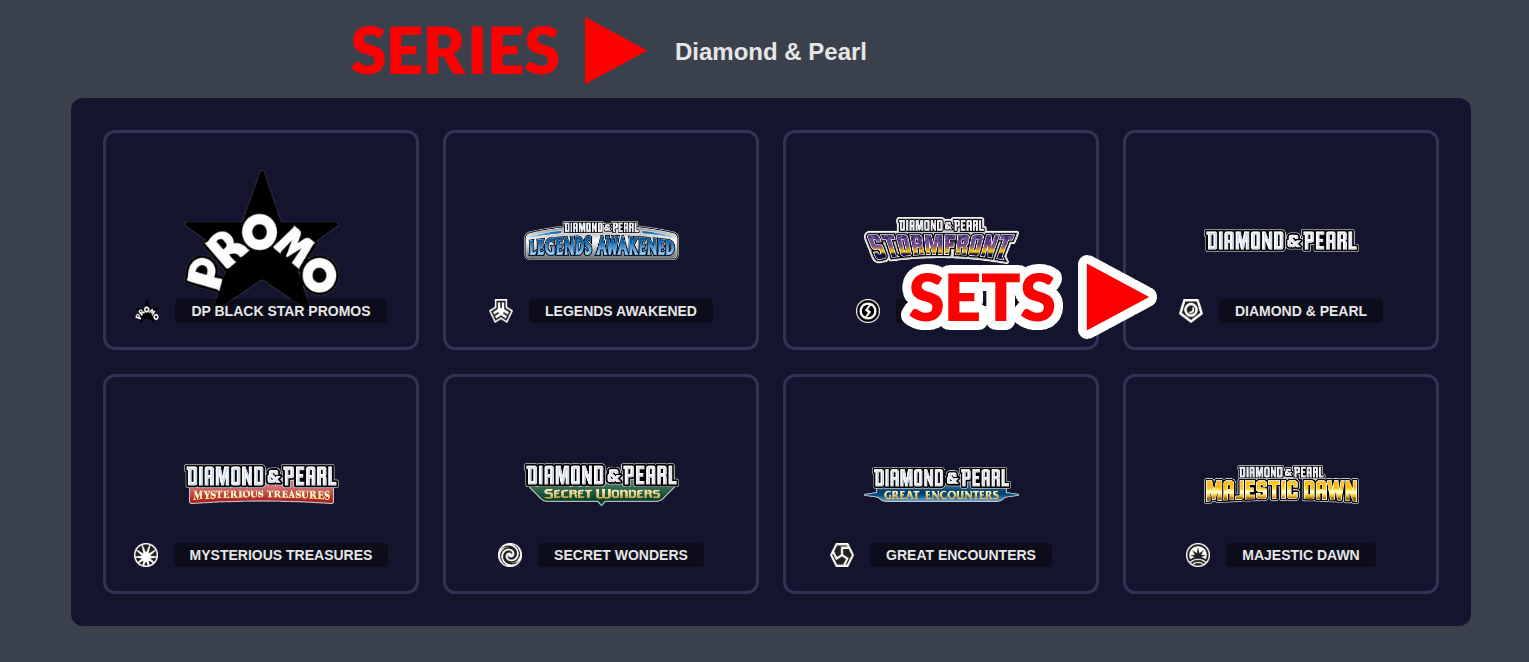
STEP 2: Browse the Series and Their Sets On this page, you will find all of the sets found within each series. Each series is listed with its corresponding sets, so you can see exactly which sets belong to which series. This is the easiest way to understand the relationship between a Pokemon series and its individual set families.
Use this page to settle any confusion about which series a specific set belongs to. - The series page shows the full history of the Pokemon TCG in order, which is helpful for understanding how the game has evolved over time. - Press CTRL+F on Windows or Command+F on Mac to quickly search for a specific set or series name on the page. - This is a great reference for newer collectors who want to understand how Pokemon TCG sets are organized and grouped.